
How to
Download Tedua ID App
Available on iOS and Android, the Tedua ID app is your gateway to a new level of authenticity and exclusivity. Download it from the App Store or Google Play to get started.
Download Tedua ID App
Available on iOS and Android, the Tedua ID app is your gateway to a new level of authenticity and exclusivity. Download it from the App Store or Google Play to get started.
Scan the QR Codes
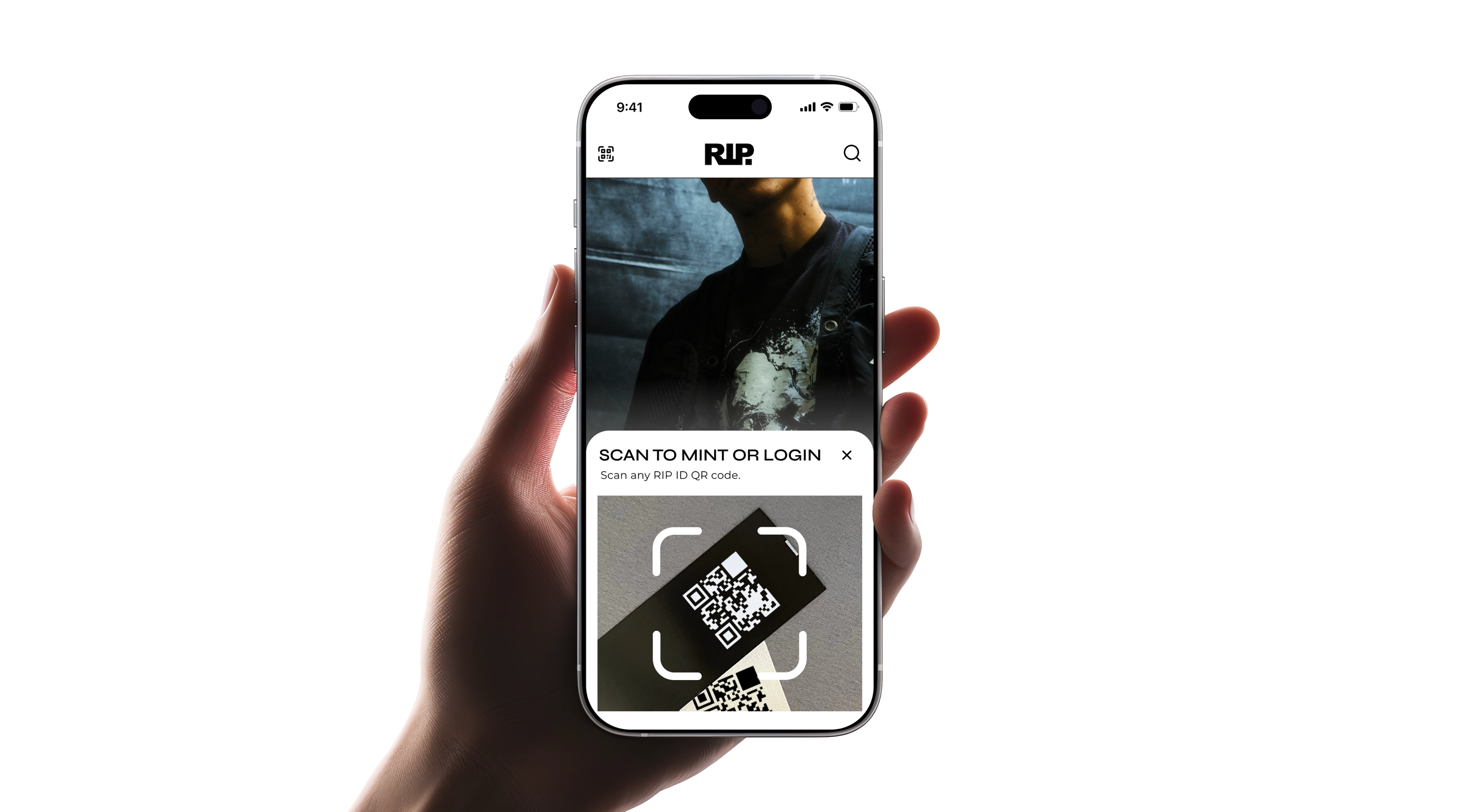
Each product connected to Tedua's world, merchandise, records, concert tickets, and more, includes a unique QR Code. Use the Tedua ID app to scan it and start the process of claiming your digital certificate of authenticity.
Scan the QR Codes
Each product connected to Tedua's world, merchandise, records, concert tickets, and more, includes a unique QR Code. Use the Tedua ID app to scan it and start the process of claiming your digital certificate of authenticity.
Redeem Your Certificate
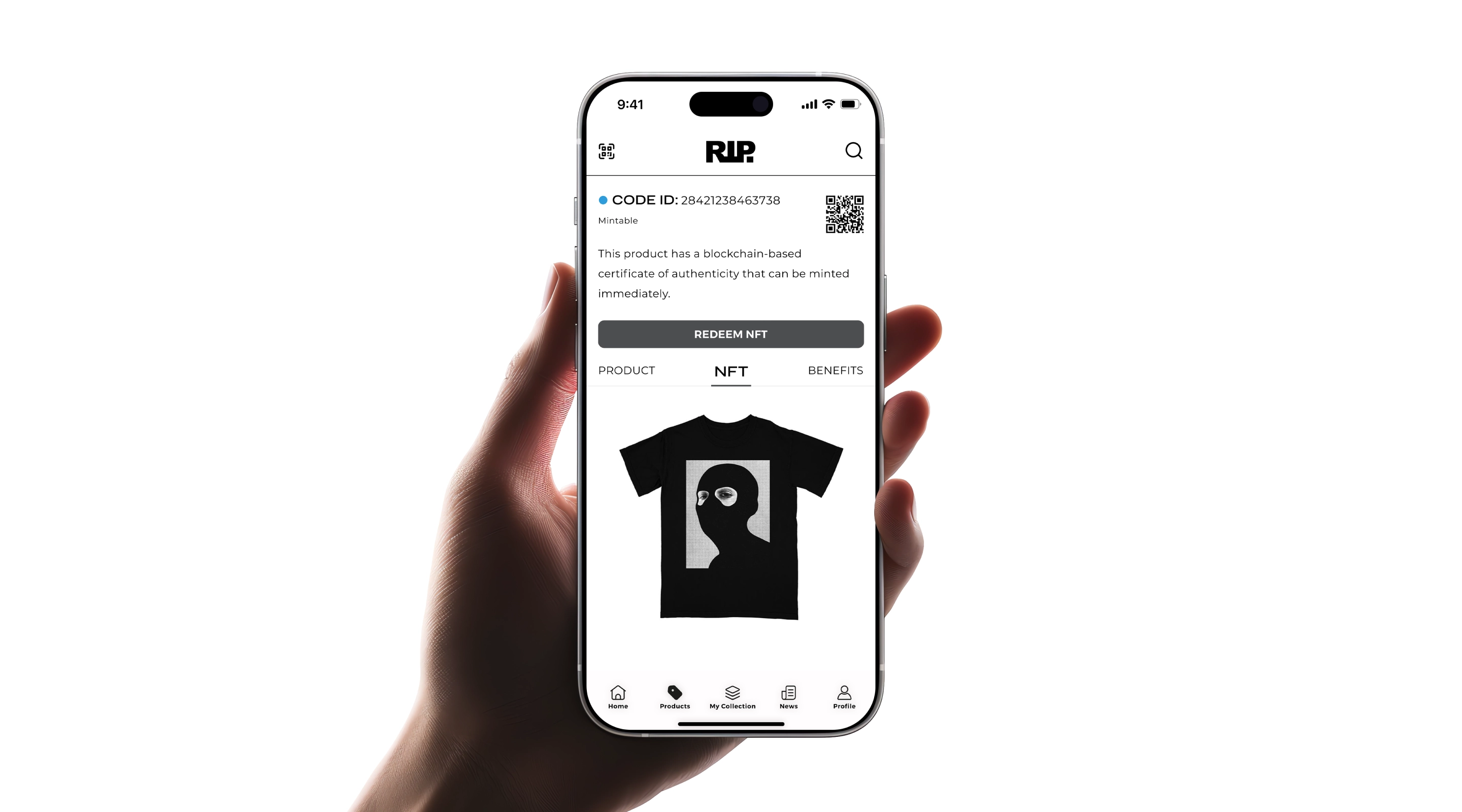
Once the QR Code is scanned, you'll be directed to claim your certificate instantly. This action confirms your item's authenticity and your ownership of it.
Redeem Your Certificate
Once the QR Code is scanned, you'll be directed to claim your certificate instantly. This action confirms your item's authenticity and your ownership of it.
Unlock Your Exclusive Benefits
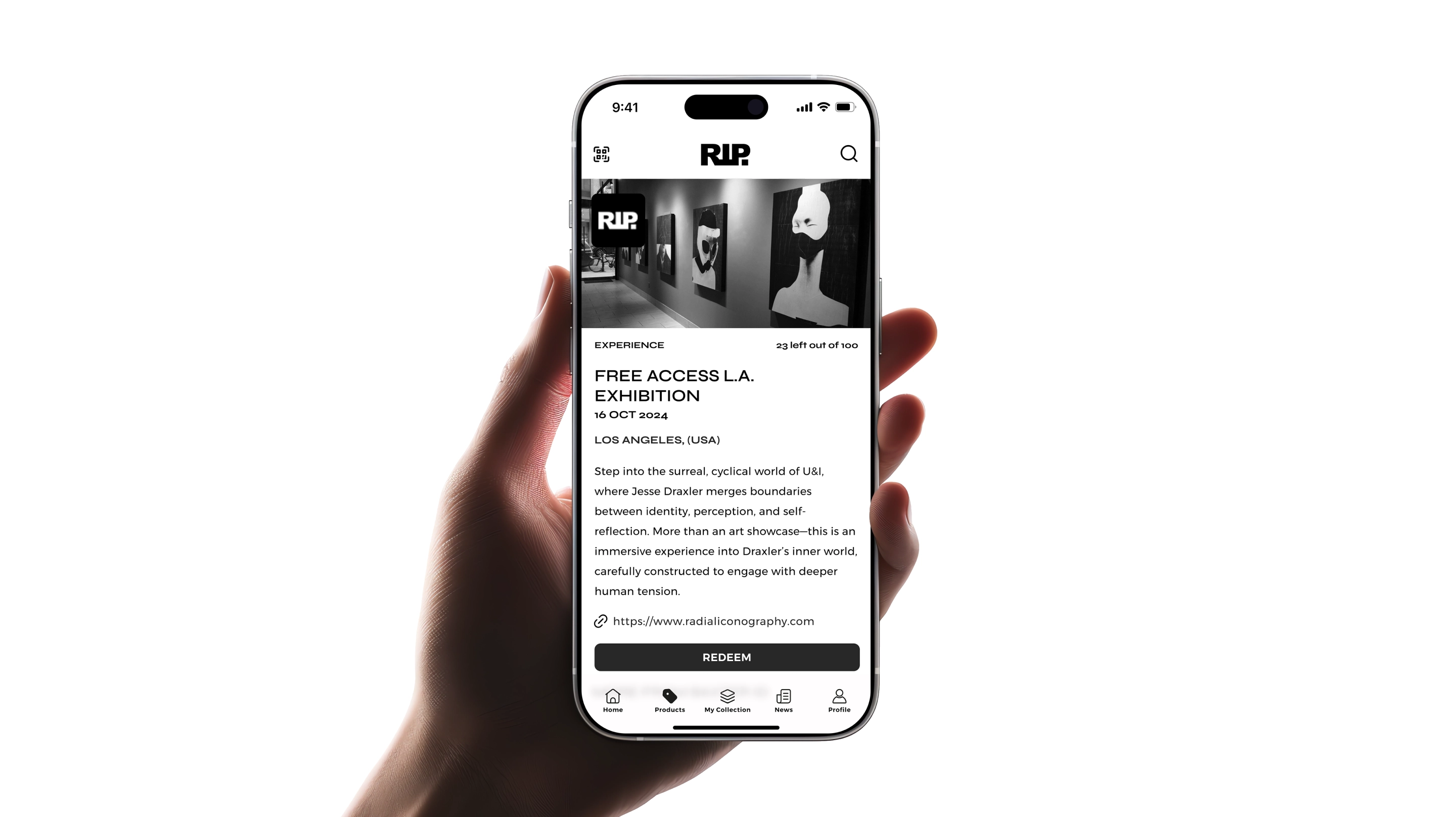
Once redeemed, your certificate will be saved to your Tedua ID account. You'll be able to view it anytime, manage it easily, and access the exclusive benefits reserved for authenticated product holders.
Unlock Your Exclusive Benefits
Once redeemed, your certificate will be saved to your Tedua ID account. You'll be able to view it anytime, manage it easily, and access the exclusive benefits reserved for authenticated product holders.